
👋 New Agent? Start Here
3 simple steps to get your free iClick Property account working: sign up, get the app, then upload your name card to verify.
100% FREE · No payment · No credit card
1
Sign Upon the website, 3 minutes
2Get the AppAndroid & iPhone
3Upload & Verifyyour agency name card
1
Sign up for your free account
The sign-up form has 3 short parts.
- Tap Sign Up Now below.
- Part 1 – Account: choose a username (letters and numbers only, do not use a place or project name), a password, your name, email, phone, IC number and agency. Tap Send Code and type the 6-digit code sent to your email.
- Part 2 – Expert Area: your years of experience, the 3 areas you know best and 2 property types.
- Part 3 – Highlight: a short intro about you. Tap AI Generate My Highlight and it writes one for you. Then tap Create My Account.


⚠️
Write down your username and password. The same login works on the website, the iClick Property app and the iPush Property PC app.
2
Download the iClick Property app and log in
Free on Google Play and the App Store.
- Tap the button for your phone, or search “iClick Property” in the Play Store / App Store.
- Open the app and log in with the username and password from Step 1.
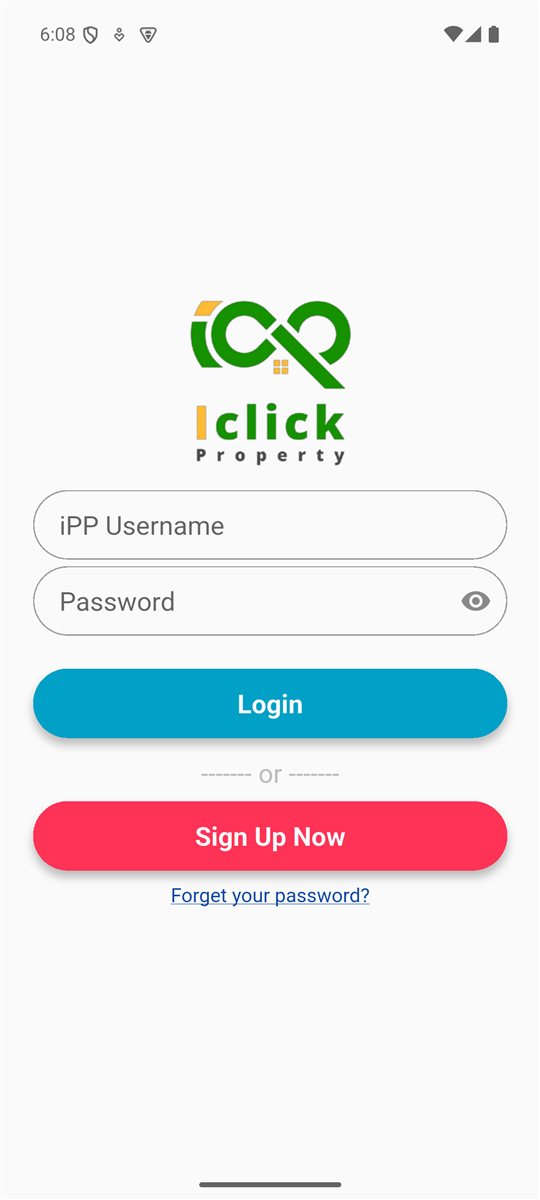
3
Upload your name card to verify
All features stay locked until your account is verified.
TapMy Account
TapAccount Verification (Verify Now!)
TapChoose Photo → Take a photo or Choose from gallery
TapSubmit → Confirm
- Take a clear photo of your agency name card.
- No name card? Tap “Click here” on the same screen and upload the front of your IC instead.
- Make sure everything on the photo is sharp and easy to read, then tap Submit and confirm.
- You will see “Submit verification successfully”.
⏳
Verification takes up to 7 working days. Our team checks your photo by hand. You can open Account Verification at any time to see your status.
| What you see in the app | What it means |
|---|---|
| Waiting admin approve account verification | We got your photo. Please wait for our team. |
| Account verification approved | Done! All features are unlocked. |
| Your previous verification apply has been rejected | Read the Reason, take a clearer photo and submit again on the same screen. |
✅ What you unlock after verification
- Full co-broke listing details
- Add more listings from your phone
- Request listings from other agents
- WhatsApp other agents about a listing
- Add agent friends and see their listings
- Use iPush Property on your PC
🚀 Verified? What’s next
📱 Add your first listing
In the app tap My Listing → ICP Listing → +, fill in the details and photos, and save. It shows on your own agent page automatically.
💬 Share to your client
Open a listing and tap Share to send it by WhatsApp, Telegram or Messenger — 100% your listing, your brand.
💻 Post to portals from your PC
Get iPush Property for Windows and log in with the same username. Download iPush Property
Ready to start? It’s free.
Sign up today, then verify in the app.